
How to blur sensitive information in a screenshot before you share it
Emails, phone numbers and card details slip into screenshots all the time. Here's how to hide them properly, and why some blurs aren't safe.

MICHAL JAKUB WLOSIK
· 2 min read
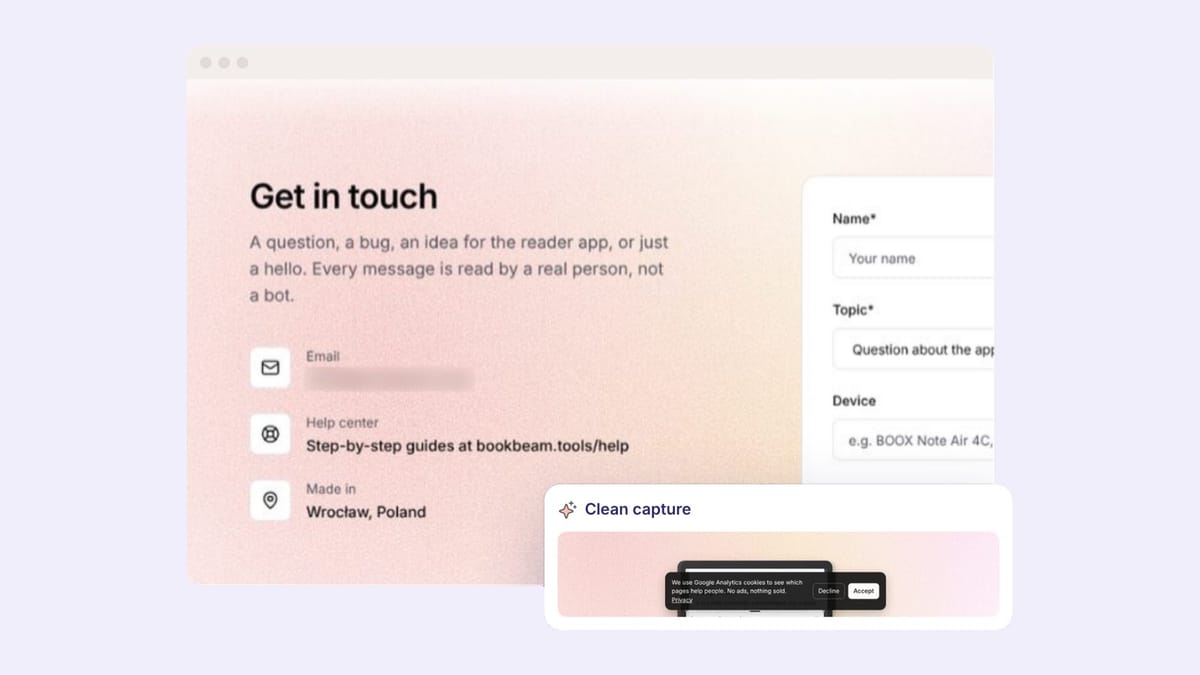
Bug reports, support tickets, how-to guides and social posts all have one thing in common: they often include a screenshot with something private in it. A customer's email in a sidebar, a phone number in a footer, the last digits of a card in an order summary. Here's how to clean that up before you hit send.
Blur, pixelate or black out?
- Blur looks the softest and works well for faces and background details.
- Pixelate is clearer about what's hidden and still keeps the layout readable.
- A solid black bar is the safest choice for anything truly sensitive, like passwords, card numbers or ID numbers.
Light blurs on short text can sometimes be reversed or guessed, especially for numbers. If the information could do real harm, cover it with a solid bar instead.
Don't just crop: check the whole image
It's easy to blur the obvious field and miss the same email in a header, a tooltip or a browser tab title. Look at every corner of the screenshot before sharing it. On a full page screenshot, that means scrolling all the way down.
Let Shotopus find it for you
In the Shotopus editor, Find sensitive info (Pro) scans the screenshot for emails, phone numbers and card numbers and highlights them. Hide them all in one click, or choose blur, pixelate or a black bar for each one. The scan runs on your device; the screenshot never leaves your browser.
Two more habits that help:
- Turn on Clean capture to hide chat widgets, cookie banners and popups before the screenshot is taken.
- Use Element capture to grab just the part of the page you need, so there's less to clean up.
A quick checklist before sharing
- Names, emails and phone numbers
- Card numbers, order IDs and addresses
- Tokens, API keys or URLs with secrets in them
- Notifications and other open tabs in the frame
Written by
Keep reading
How to take a full page screenshot in Chrome (3 ways)
Chrome hides a full page screenshot tool in DevTools, but there are faster ways. Here are three methods, from built-in to one click.
Why full page screenshots break (and how Shotopus fixes them)
Repeated headers, blank gaps and missing images: what goes wrong when a tool stitches a long page, and what Shotopus does about it.
Questions or thoughts? Share them below.