
Why full page screenshots break (and how Shotopus fixes them)
Repeated headers, blank gaps and missing images: what goes wrong when a tool stitches a long page, and what Shotopus does about it.

MICHAL JAKUB WLOSIK
· 1 min read

Most full page screenshot tools work the same way: scroll a bit, capture the screen, scroll again, and stitch the pieces together. On a simple page that works. On a modern website, three things tend to go wrong.
1. The header shows up again and again
Sticky headers and floating buttons stay pinned to the screen while you scroll, so they appear in every slice. Stitched together, you get the same navigation bar repeated down the page.
What Shotopus does: it keeps fixed and sticky elements in the first slice only and hides them while it captures the rest, then puts the page back exactly as it was.
2. Images are missing
Many sites load images only when they come into view. A tool that scrolls too fast captures empty boxes instead of pictures.
What Shotopus does: it scrolls through the page first so lazy-loaded images and content have time to arrive, then captures.
3. Big blank gaps or overlapping text
"Scrollytelling" sections pin a panel in place while the page scrolls past it, so the content changes as you scroll. Stitching those slices can leave a tall empty area, or the same panel overlapping the text around it.
What Shotopus does: it detects sticky panels inside these sections and lays them out as normal content for the duration of the capture, so the section comes out as one readable block.

Tips for tricky pages
- Keep Hide sticky headers on in Settings (it is by default).
- Close cookie banners first, or turn on Clean capture (Pro) to hide them automatically.
- For one part of a page, use Element capture instead of the whole page.
- If a page still comes out wrong, email the address to hello@shotopus.com. Real-world pages are how we make the capture engine better.
Written by
Keep reading
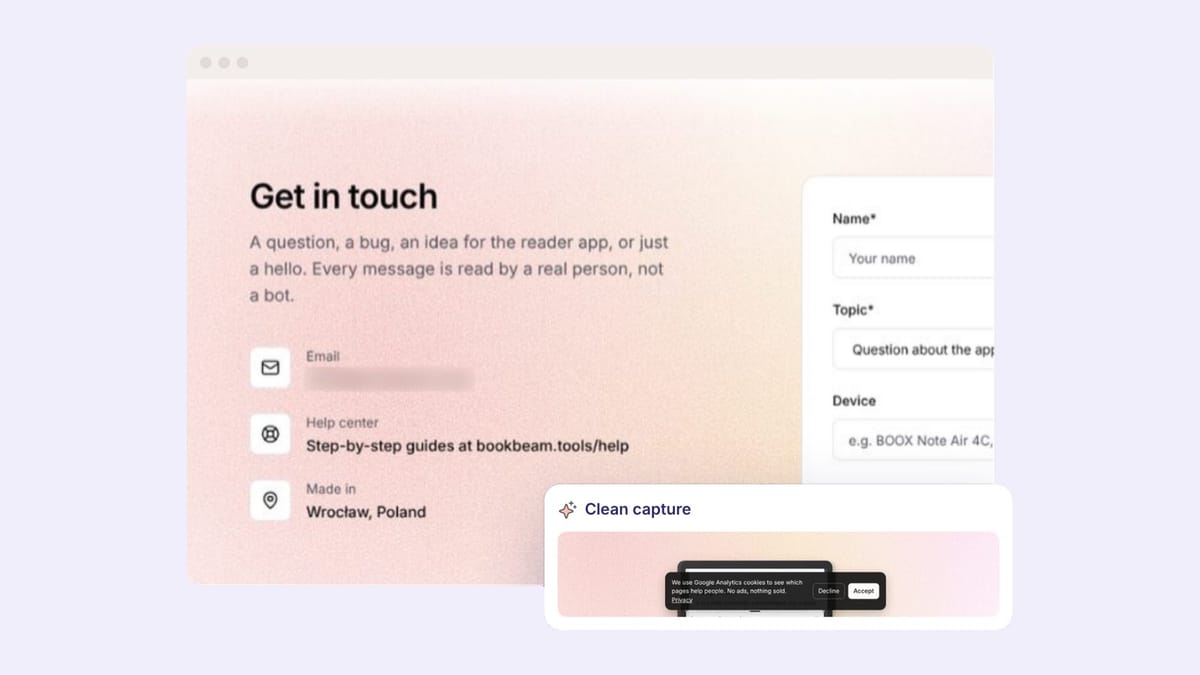
How to blur sensitive information in a screenshot before you share it
Emails, phone numbers and card details slip into screenshots all the time. Here's how to hide them properly, and why some blurs aren't safe.
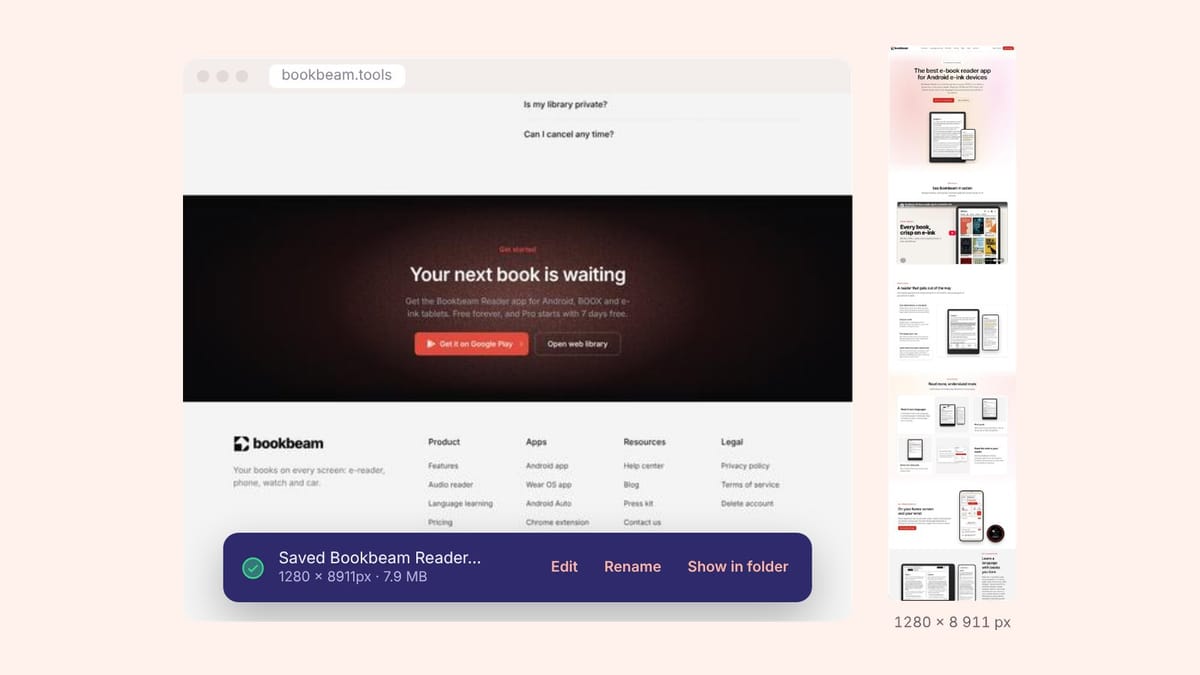
How to take a full page screenshot in Chrome (3 ways)
Chrome hides a full page screenshot tool in DevTools, but there are faster ways. Here are three methods, from built-in to one click.
Questions or thoughts? Share them below.